Intro Panel

Style Options

  • Default
  • Fixed Background
  • Fancy

Additional Panel Options  

  • Hide Title: Hides item titles so you can keep the titles in Showtime for your reference but have them not display on the front end. 

Available Item Fields

  • Image (1600px by 1000px)
  • Title
  • Logo
  • Button Link
  • Button Text
  • Body

Intro Panel (Default)

  • Uses 1 item.
  • Supports both images* and muted mp4 background video. 

​​​​​​*Do not include text on the image itself as the image will crop based on browser width and height. Use the Item Title and Body fields to ensure text is viewable on all device sizes. 

Title Goes Here

Pellentesque nibh sapien, congue in purus ut, mattis commodo ante. Duis dictum dolor in mi molestie laoreet at dapibus arcu. Nullam sit amet hendrerit ligula. Duis maximus purus vel ante volutpat mollis. Suspendisse suscipit eros vitae magna pharetra, non accumsan tellus consectetur. Quisque varius, enim sit amet aliquam laoreet, libero nibh dapibus nulla, non fringilla lectus nisl vel massa. Integer a purus libero.

Button 1Button 2Button 3

button text

Intro Panel (Default) w/Video 

  • Uses 1 Item.

  • When you set the intro panel style to default, you can display a muted background video. You’ll use the Add Media button next to "Image" to add your mp4. It's ok if you haven't uploaded the mp4 to the system yet, you will be able to do so from the media gallery after you've clicked Add Media. Try to keep your mp4 file size small to maintain a fast page load speed.

​​​​​​*Do not include text on the image itself as the image will crop based on browser width and height. Use the Item Title and Body fields to ensure text is viewable on all device sizes. 

Title Goes Here

Intro Panel (Default) w/Title Hidden & a Logo 

  • Uses 1 Item.

  • Supports both images* and muted mp4 background video. 

  • Use the Add Media button below "Logo (optional)" to add your logo to the intro panel background. It's ok if you haven't uploaded it to the system yet, you will be able to do so from the media gallery after you've clicked Add Media. 

​​​​​​*Do not include text on the image itself as the image will crop based on browser width and height. Use the Item Title and Body fields to ensure text is viewable on all device sizes. 

Title Goes Here

Intro Panel (Fixed Background) 

  • Uses 1 Item.

  • Supports images* only. 

  • The background image does not move while the user scrolls.

​​​​​​*Do not include text on the image itself as the image will crop based on browser width and height. Use the Item Title and Body fields to ensure text is viewable on all device sizes. 

Title Goes Here

Intro Panel (Fancy) 

  • Use for multiple items. 

  • Supports images* only. 

  • The background fades to the next image as the text scrolls. 

​​​​​​*Do not include text on the image itself as the image will crop based on browser width and height. Use the Item Title and Body fields to ensure text is viewable on all device sizes. 

Vivamus ac tincidunt purus. Ut urna leo, blandit viverra pretium id, venenatis consequat est. Maecenas faucibus a justo id finibus. Aliquam eget feugiat purus. Morbi sed ligula eros. Donec mi est, egestas in mi at, varius semper dolor. Maecenas ac ex scelerisque, posuere quam in, feugiat nisl. In vel tortor vel magna vulputate condimentum quis et lacus.

Morbi sed ligula eros. Donec mi est, egestas in mi at, varius semper dolor. Maecenas ac ex scelerisque, posuere quam in, feugiat nisl. In vel tortor vel magna vulputate condimentum quis et lacus. Vivamus ac tincidunt purus. Ut urna leo, blandit viverra pretium id, venenatis consequat est. Maecenas faucibus a justo id finibus. Aliquam eget feugiat purus.

Vivamus ac tincidunt purus. Ut urna leo, blandit viverra pretium id, venenatis consequat est. Maecenas faucibus a justo id finibus. Aliquam eget feugiat purus. Morbi sed ligula eros. Donec mi est, egestas in mi at, varius semper dolor. Maecenas ac ex scelerisque, posuere quam in, feugiat nisl. In vel tortor vel magna vulputate condimentum quis et lacus.

Grid Panel

Style Options

  • Default
  • Carousel

Available Item Fields

  • Image (410px by 245px)
  • Title
  • Subtitle
  • URL
  • Button Text
     

Grid Panel (Default) 

  • Use 3 items minimum (If you use less than 3 the panel will not look nice on desktop)
  • If a URL is entered the whole item square will be clickable.
  • On tablet/mobile items will stack.
     

Grid Panel (Carousel)

  • Use more than 3 items
  • If a URL is entered the whole item square will be clickable.
  • On desktop adds arrows to the left and right for the user to toggle through items.
  • On tablet/mobile the user can swipe left and right through the items.

Spotlight Panel

Style Options

  • Large
  • Wide
  • Grid

Available Item Fields

  • Image (820px by 490px)
  • Title
  • Body
  • URL
  • Button Text
     

Spotlight Panel (Large) 

  • Use 2 items minimum (If you use less than 2 the panel will not look nice on desktop)
  • Displays 2 items across on desktop.

Spotlight Panel (Wide)

  • Displays 1 item across on desktop.

Spotlight with Image, Link, and Description

In this format, the image, title, and button will be clickable.

You can include bulleted and numbered lists within a spotlight and even a link within the text.

  • Bulleted Item 1
  • Bulleted Item 2
  • Bulleted Item 3
  1. Numbered Item 1
  2. Numbered Item 2
  3. Numbered Item 3
Sample Button Text

Spotlight with Image, Description, and NO Link

You don't have to include a link. If you don't, no button will appear.

Spotlight with description, link, and NO image

If you don't have an image, but still like the way the spotlight list looks, that's fine! Go ahead and create your spotlight without an image. In this case, just the title and button will be clickable. 

More Info

Spotlight Panel (Grid)

  • Use 3 items minimum (If you use less than 3 the panel will not look nice on desktop)
  • Displays 3 items across on desktop.

Title Goes Here

Lorem ipsum dolor sit amet, consectetur adipiscing elit. Sed condimentum ornare lacinia. Integer posuere quis libero sit amet pulvinar. Donec quis aliquet turpis, accumsan pellentesque massa. Pellentesque nec tortor eu orci cursus rutrum. In at erat nulla. Donec sed condimentum magna, eu lacinia erat. Vivamus volutpat id mi nec eleifend.

Sample Button Text

Title Goes Here

Lorem ipsum dolor sit amet, consectetur adipiscing elit. Sed condimentum ornare lacinia. Integer posuere quis libero sit amet pulvinar. Donec quis aliquet turpis, accumsan pellentesque massa. Pellentesque nec tortor eu orci cursus rutrum. In at erat nulla. Donec sed condimentum magna, eu lacinia erat. Vivamus volutpat id mi nec eleifend.

Sample Button Text

Title Goes Here

Lorem ipsum dolor sit amet, consectetur adipiscing elit. Sed condimentum ornare lacinia. Integer posuere quis libero sit amet pulvinar. Donec quis aliquet turpis, accumsan pellentesque massa. Pellentesque nec tortor eu orci cursus rutrum. In at erat nulla. Donec sed condimentum magna, eu lacinia erat. Vivamus volutpat id mi nec eleifend.

Sample Button Text

Full Width Panel

Style Options

  • No style options display as it is just default. 

Additional Panel Options

  • Is Carousel?: Select to have the panel carousel through multiple items.  
  • Hide Title: Hides item titles so you can keep the titles in Showtime for your reference but have them not display on the front end. 
  • Show Text On Hover: Instead of the Title, Body Text, and Button displaying automatically, they appear on hover. ​

Available Item Fields

  • Image (1200px by 700px)
  • Title
  • URL
  • Body
  • Button Text

Full Width Panel w/Carousel

  • Check Is Carousel? under panel options if using more than 2 items. 
  • Max of 4 items. 

Full Width Panel w/Title Hidden

  • Check Hide Title under panel options.
  • Leave Use Carousel? unchecked if just displaying 1 item. 

Lorem ipsum dolor sit amet, consectetur adipiscing elit. Mauris pharetra nulla quis blandit sollicitudin. Pellentesque suscipit, odio laoreet vulputate efficitur, nulla velit mattis magna, non fringilla justo lacus ut orci. Ut aliquam, elit nec imperdiet lacinia, leo erat maximus eros, a imperdiet quam sapien eu ante. Praesent iaculis neque ac dolor scelerisque tristique.

Full Width Panel w/Show Text on Hover

  • Check Show Text on Hover under panel options to have the title, body text, and button display on hover only. 

Title Goes Here

This caption will fade in.

More Info

Alternating Panel

Style Options

  • Default
  • Small
  • Centered Logos
  • Fixed Width

Available Item Fields

  • Image (800px by 800px)
  • Title
  • URL
  • Body
  • Button Text
     

Alternating Panel (Default) 

  • The first item displays the image* on the left and the text on the right. The next item displays in the reverse order and so on.

​​​​​​*Do not include text on the image itself as the image will crop based on browser width and height. Use the Item Title and Body fields to ensure text is viewable on all device sizes. 

Title Goes Here

More Info

Title Goes Here

Lorem ipsum dolor sit amet, consectetur adipiscing elit. Mauris pharetra nulla quis blandit sollicitudin. Pellentesque suscipit, odio laoreet vulputate efficitur, nulla velit mattis magna, non fringilla justo lacus ut orci. Ut aliquam, elit nec imperdiet lacinia, leo erat maximus eros, a imperdiet quam sapien eu ante. Praesent iaculis neque ac dolor scelerisque tristique.

Title Goes Here

Title Goes Here

Lorem ipsum dolor sit amet, consectetur adipiscing elit. Mauris pharetra nulla quis blandit sollicitudin. Pellentesque suscipit, odio laoreet vulputate efficitur, nulla velit mattis magna, non fringilla justo lacus ut orci. Ut aliquam, elit nec imperdiet lacinia, leo erat maximus eros, a imperdiet quam sapien eu ante. Praesent iaculis neque ac dolor scelerisque tristique.

Alternating Panel (Small) 

  • The first item displays the image* on the left and the text on the right. The next item displays in the reverse order and so on.
  • Image height is shorter than the default alternating panel. 

​​​​​​*Do not include text on the image itself as the image will crop based on browser width and height. Use the Item Title and Body fields to ensure text is viewable on all device sizes. 

Alternating Panel (Centered Logos) 

  • The first item displays the logo centered on the left and the text on the right. The next item displays in the reverse order and so on.

Alternating Panel (Fixed Width) 

  • The first item displays the image* on the left and the text on the right. The next item displays in the reverse order and so on.
  • The items remain centered on the page in desktop view. 
  • Image height adjusts based on coordinating text length.

​​​​​​*Do not include text on the image itself as the image will crop based on browser width and height. Use the Item Title and Body fields to ensure text is viewable on all device sizes. 

Icons Panel

Style Options

  • No style options display as it is just default. 

Additional Panel Options

  • Hide Title: Hides item titles so you can keep the titles in Showtime for your reference but have them not display on the front end. 

Available Item Fields

  • Image (Any Size)
  • Title
  • URL
  • Body

Icons Panel w/7 items

  • You can use any number of items as the icons center up on desktop.

Title Goes Here

Lorem ipsum dolor sit amet, consectetur adipiscing elit. Integer semper interdum tempor.

Title Goes Here

Lorem ipsum dolor sit amet, consectetur adipiscing elit. Integer semper interdum tempor.

Title Goes Here

Lorem ipsum dolor sit amet, consectetur adipiscing elit. Integer semper interdum tempor.

Title Goes Here

Lorem ipsum dolor sit amet, consectetur adipiscing elit. Integer semper interdum tempor.

Title Goes Here

Lorem ipsum dolor sit amet, consectetur adipiscing elit. Integer semper interdum tempor.

Title Goes Here

Lorem ipsum dolor sit amet, consectetur adipiscing elit. Integer semper interdum tempor.

Title Goes Here

Lorem ipsum dolor sit amet, consectetur adipiscing elit. Integer semper interdum tempor.

Icons Panel w/3 items & Titles Hidden

  • Check Hide Title under panel options.
  • Add 3 items. 

Icons Panel w/2 items

  • Add 2 items. 

Title Goes Here

Lorem ipsum dolor sit amet, consectetur adipiscing elit. Integer semper interdum tempor.

Title Goes Here

Lorem ipsum dolor sit amet, consectetur adipiscing elit. Integer semper interdum tempor.

Icons Panel w/3 items

  • Add 3 items. 

Title Goes Here

Lorem ipsum dolor sit amet, consectetur adipiscing elit. Integer semper interdum tempor.

Title Goes Here

Lorem ipsum dolor sit amet, consectetur adipiscing elit. Integer semper interdum tempor.

Title Goes Here

Lorem ipsum dolor sit amet, consectetur adipiscing elit. Integer semper interdum tempor.

Banners Panel

Style Options

  • No style options display as it is just default. 

Additional Panel Options  

  • Hide Title: Hides item titles so you can keep the titles in Showtime for your reference but have them not display on the front end. 

Available Item Fields

  • Image
    • 1 item (1300px by 220px)
    • 2 items (750px by 220px)
    • 3 items (400px by 220px)
  • Title
  • URL
  • Logo

Banners Panel w/1 item

  • Add 1 item
  • If including an image use (1300px by 220px)

Banners Panel w/2 items & Titles Hidden

  • Check Hide Title under panel options.
  • Add 2 items. 
  • If including an image use (750px by 220px for each)

Banners Panel w/3 items

  • Add 3 items. 
  • If including an image use (400px by 220px for each)

Text Only Panel

Style Options

  • Default
  • Centered

Available Item Fields

  • Title (Showtime Use Only. Not visible on Front End)
  • Text

Text Only Panel (Default)

  • Text is Left-Aligned.

Heading 1

Lead-In Paragraph: Write out your text then highlight it. In the text editor, click the STYLES button and choose "lead paragraph."

Heading 2

Normal Font: Bold text italicized text subscript superscript. This is the default for text. When you create a new text item and start typing, this is the text that will appear on the front end of your site unless you choose an alternate text style. You can choose styles by clicking on the Paragraph Format button in the text editor (the first dropdown in from the left, it will say "Normal.") From there, you can choose a heading type or you can choose from various other styles like Lead Paragraph (displayed above), bold, italicized, subscript, superscript, numbered and bulleted lists, or blockquotes, all of which are sampled on this page.


Heading 3

Bulleted and numbered lists can be created in any text block. Simply write out the list of items, highlight them, and then click on the bulleted list icon or the numbered list icon in the text editor. The list will automatically add the numbers/bullets to each item.

  • Bulleted Item 1
  • Bulleted Item 2
  • Bulleted Item 3
  • Bulleted Item 4
  1. Numbered Item 1
  2. Numbered Item 2
  3. Numbered Item 3
  4. Numbered Item 4

Buttons

Create new buttons within text panel items. Type out the word(s) you would like to use as the button text, click on the link icon in the text editor, and fill in the information to create the link. Click on the Advanced tab and in the field labeled "stylesheet class" type the word "button" (without the quotation marks), click ok. It will look like a regular text link within Showtime, but on the front end, it will be styled like a button.

Sample Button

Styled Image Right

casey-horner-1533985-unsplash.jpgPlace your cursor at the start of the paragraph. Click on the Media button and choose your image. Once it appears in the text block, click on the image so it highlights, go to the Styles button in the text editor and choose styled image right. 

Styled Image Left

casey-horner-1533985-unsplash.jpg

Place your cursor at the start of the paragraph. Click on the Media button and choose your image. Once it appears in the text block, click on the image so it highlights, go to the Styles button in the text editor and choose either styled image left or styled image right. 

Text Only Panel (Centered)

  • Text is Centered.

Heading 2

Create new buttons within text panel items. Navigate your cursor to the spot where you would like the button to display. Click on the Button button in the text editor. A new menu will appear above your work, prompting you to enter the text (button text) and the URL, and to choose to open in a new window if desired. Click ok to save. 

ButtonAnother Button

Bulleted and numbered lists can be created in any text panel. Simply write out the list of items, highlight them, and click on the bulleted list icon or the numbered list icon in the text editor. The list will automatically add the numbers/bullets to each item.

  • Bulleted Item 1
  • Bulleted Item 2
  • Bulleted Item 3
  • Bulleted Item 4
  1. Numbered Item 1
  2. Numbered Item 2
  3. Numbered Item 3
  4. Numbered Item 4

FAQ List Panel

Style Options

  • No style options display as it is just default. 

Available Item Fields

  • Question
  • Answer

FAQ List Panel

  • FAQ list panels are a great way to break up text within a page to make it more manageable for the reader. Click edit on the first item and enter a question (does not necessarily have to be a question) then use the free form answer description field for all of the information related to that question. Select the + Add New Item button to add additional FAQ items.
Title Goes Here

Sample Answer. Lorem ipsum dolor sit amet, consectetur adipiscing elit. Mauris id augue non mauris volutpat faucibus. Vestibulum varius eget nisl id rhoncus. Suspendisse id consequat justo. Maecenas non tellus convallis, aliquet sapien sed, pharetra quam. Praesent ultrices ac magna nec gravida. Aenean nec sodales sapien, vel consequat mi.

Integer eu porta orci. Class aptent taciti sociosqu ad litora torquent per conubia nostra, per inceptos himenaeos.

Link List Panel

Style Options

  • No style options display as it is just default. 

Available Item Fields

  • Title
  • URL
  • Body

Link List Panel

  • If you have a list of items that you want to link, a link list is a better alternative than simply linking within a text panel. Click edit on the first item. The Title field is where you place the word(s) that represent your link, then enter the link in the URL field. The body field is optional. As shown below, bulleted and numbered lists are supported here as well as links within the text.

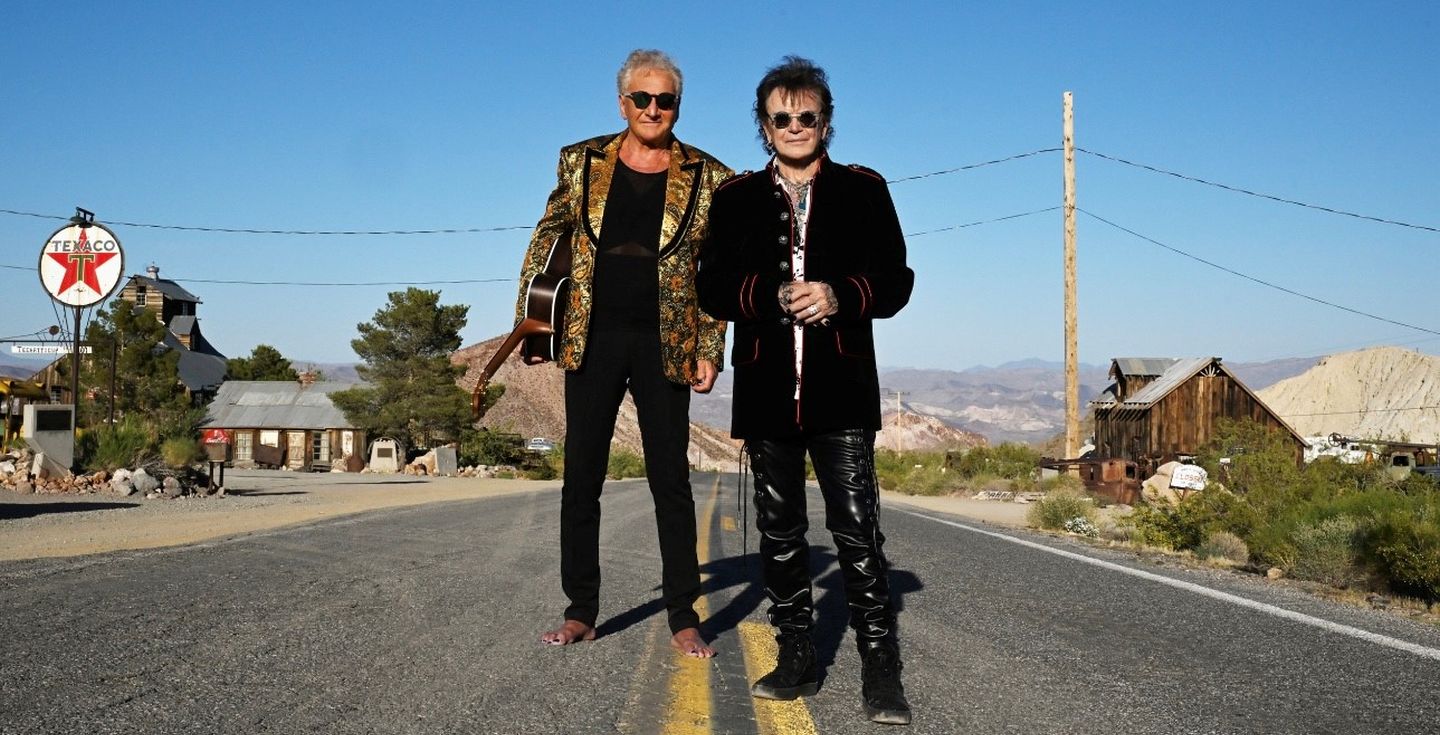
More Info for Air Supply
Dec 14
Grove of Anaheim
LOW TICKET ALERT!

Air Supply

50th Anniversary Celebration

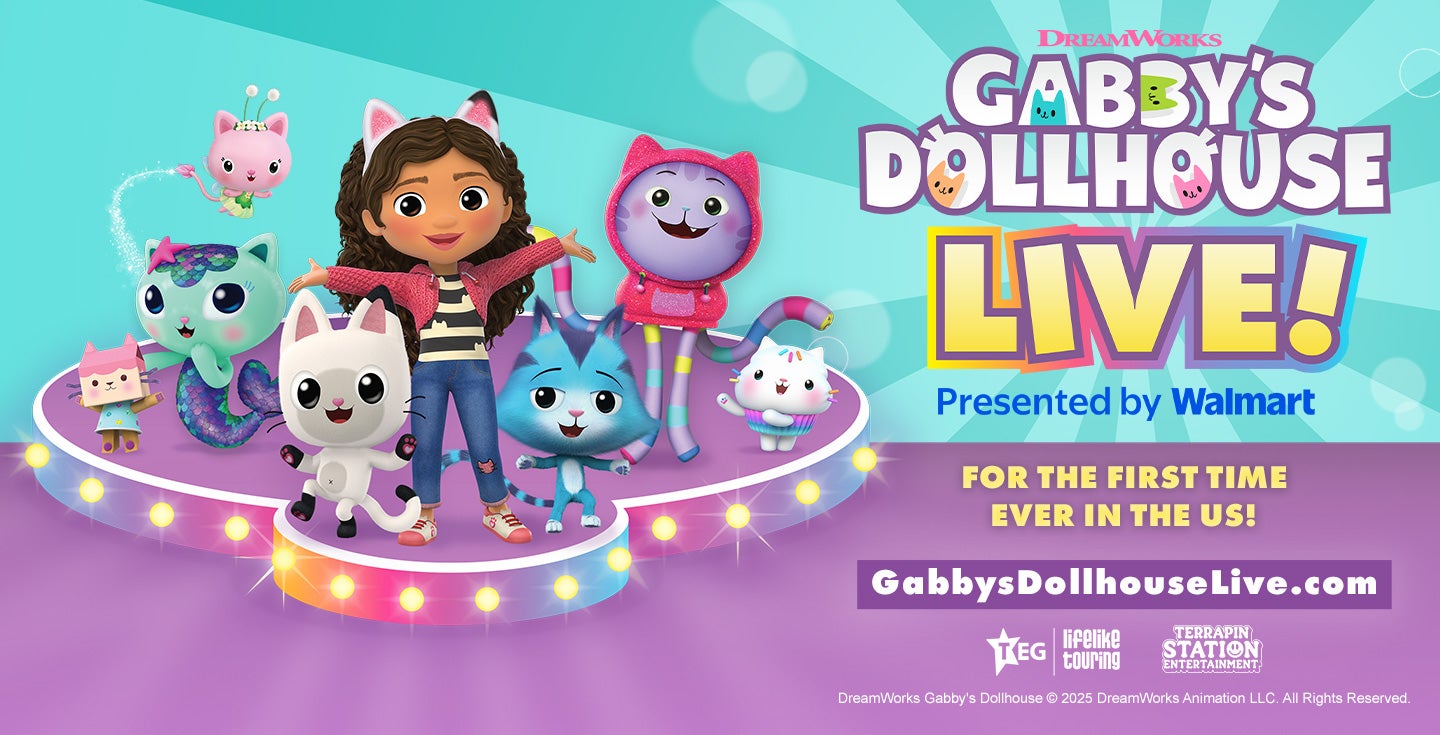
More Info for Gabby's Dollhouse Live!
Dec 21
Grove of Anaheim

Gabby's Dollhouse Live!

Presented by Walmart

More Info for Dave Koz & Friends
Dec 21
San Jose Civic

Dave Koz & Friends

Christmas Tour 2025

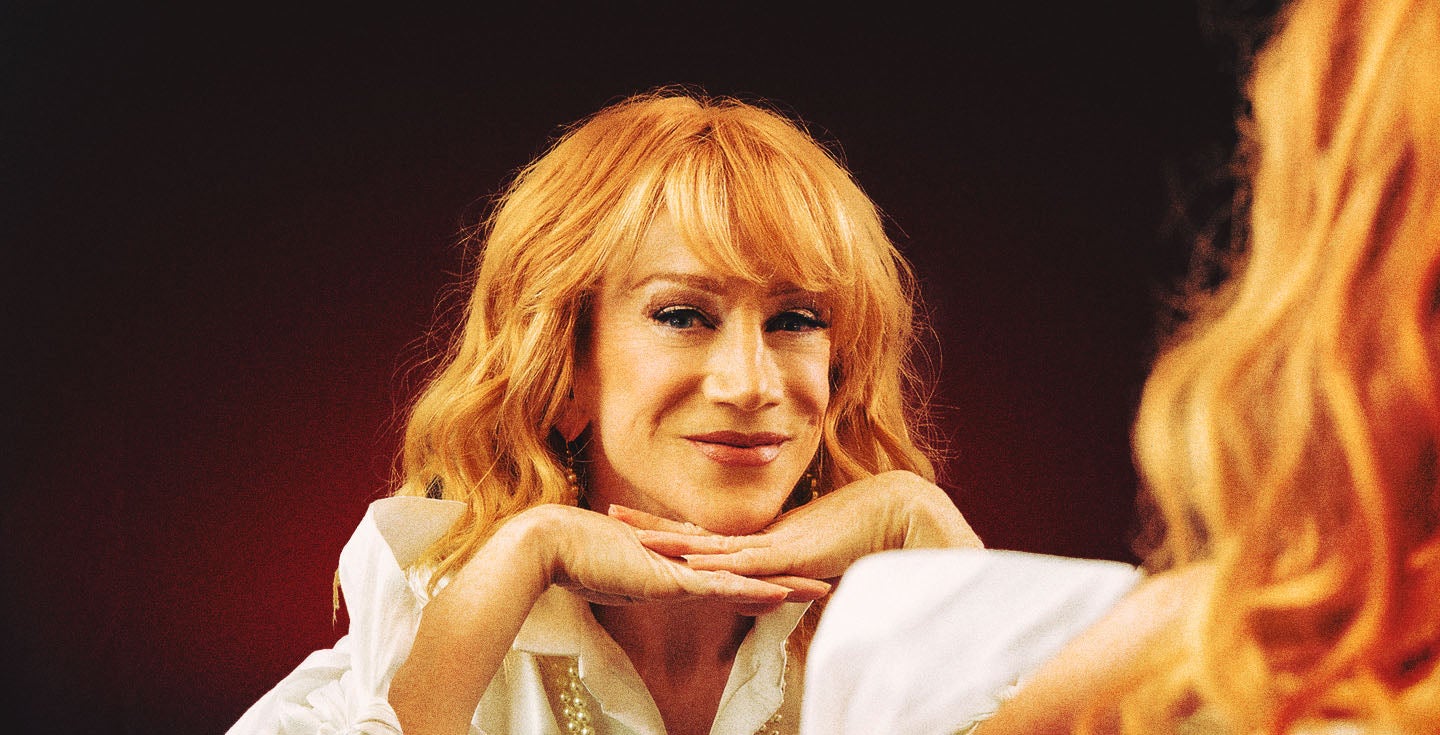
More Info for Kathy Griffin
Jan 10
California Theatre

Kathy Griffin

New Face, New Tour

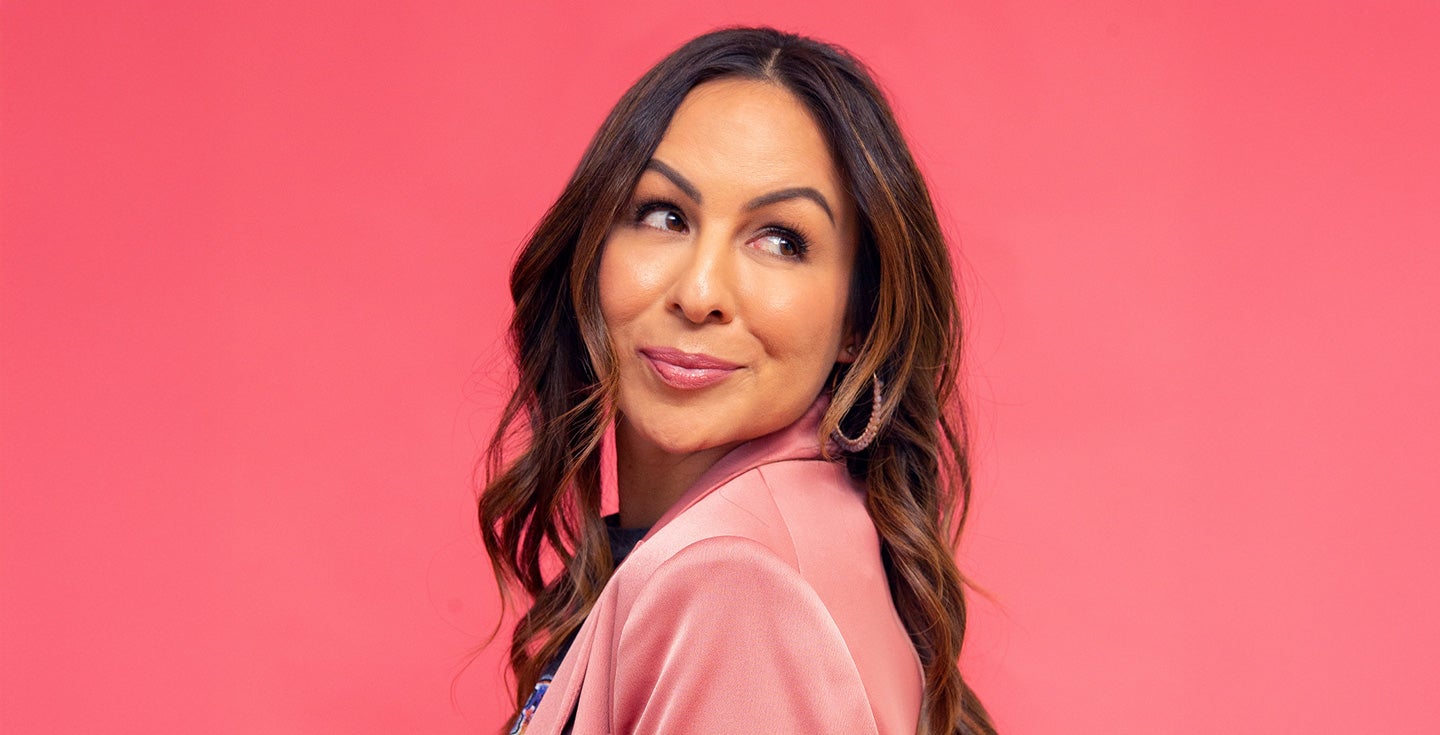
More Info for Anjelah Johnson-Reyes
Jan 18
San Jose Civic

Anjelah Johnson-Reyes

The Family Reunion Tour

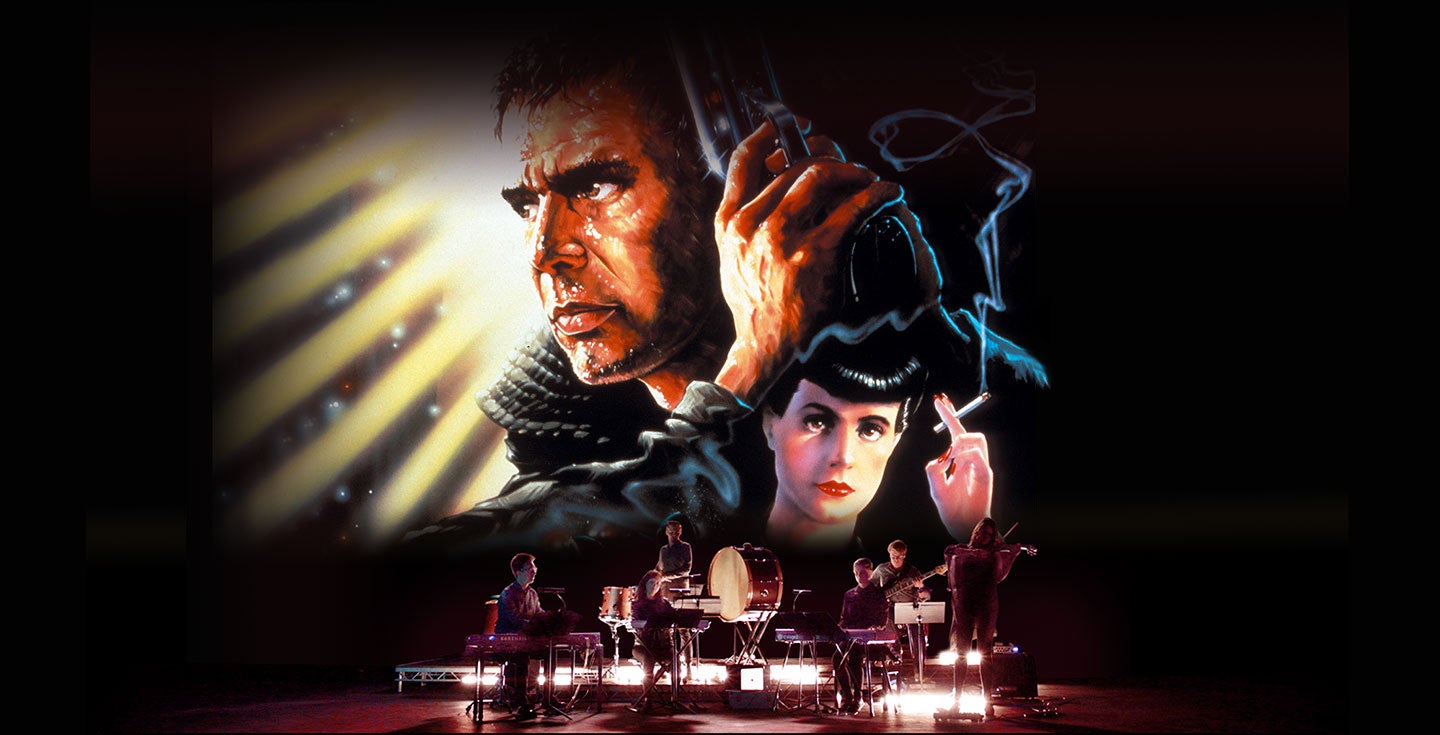
More Info for Blade Runner Live
Jan 21
Dolby Theatre

Blade Runner Live

Ridley Scott’s 2007 Final Cut w/ Vangelis' score performed by The Avex Ensemble

More Info for Dog Man - The Musical
Jan 22
Long Beach Terrace Theater

Dog Man - The Musical

More Info for Dog Man - The Musical
Jan 24 - 25
San Jose Civic

Dog Man - The Musical

More Info for Billy F Gibbons and the BFG Band
Jan 25
Grove of Anaheim

Billy F Gibbons and the BFG Band

More Info for Collective Soul
Jan 29
Grove of Anaheim

Collective Soul

More Info for Air Supply
Feb 13
San Jose Civic

Air Supply

50th Anniversary Celebration

More Info for 90s Banda Tour
Feb 14
Honda Center

90s Banda Tour

Banda El Recodo, Banda Machos, Banda El Mexicano, Banda Los Recoditos, Banda Móvil

More Info for Legends of Country
Feb 19
Cerritos Center for the Performing Arts

Legends of Country

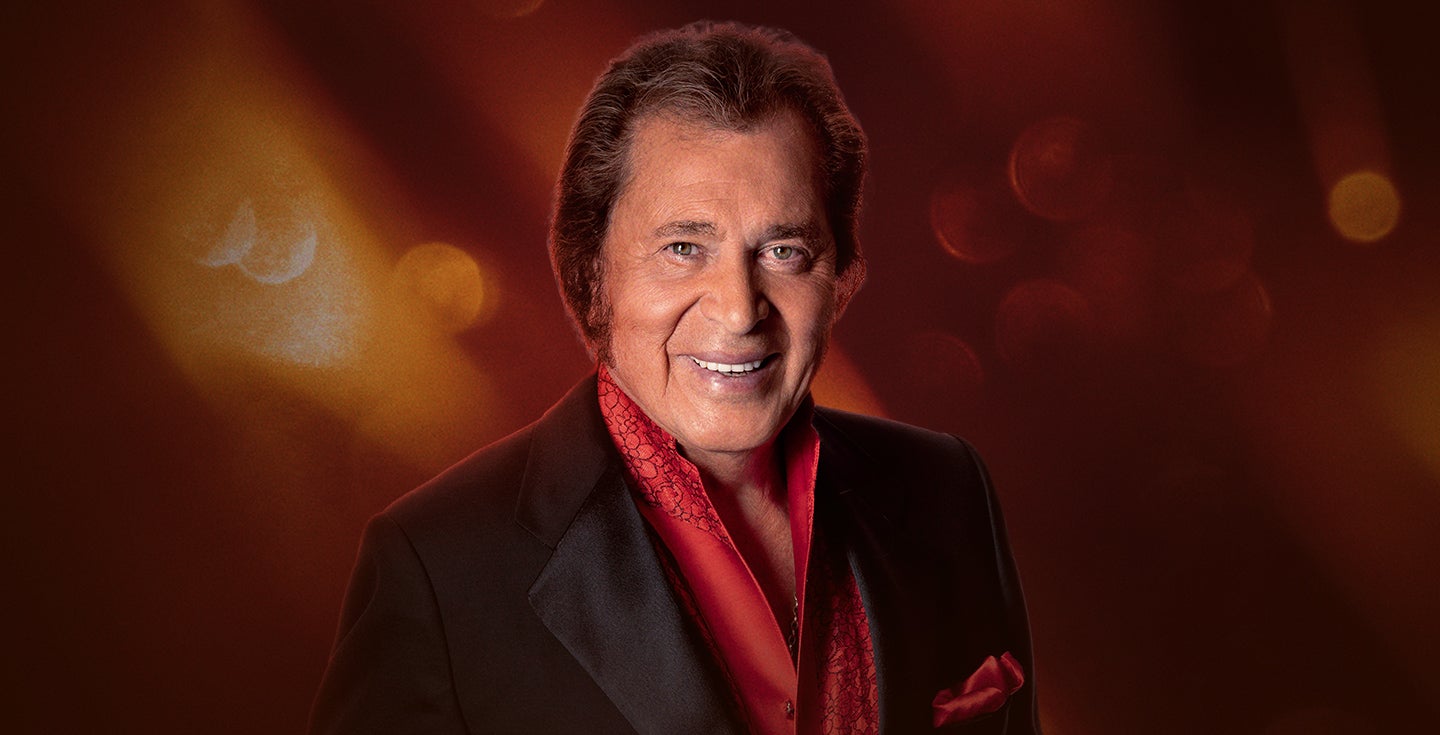
More Info for Engelbert Humperdinck
Feb 22
Grove of Anaheim

Engelbert Humperdinck

The Celebration Tour 2026

More Info for Bored Teachers
Feb 27
Arlington Theatre

Bored Teachers

Is It Friday Yet?!

More Info for Bored Teachers
Feb 28
Orpheum Theatre

Bored Teachers

Is It Friday Yet?!

More Info for Shahin Najafi & Erfan
Feb 28
Grove of Anaheim

Shahin Najafi & Erfan

More Info for Bored Teachers
Mar 1
Balboa Theatre

Bored Teachers

Is It Friday Yet?!

More Info for PAW Patrol Live! A Mighty Adventure
Mar 7 - 8
San Jose Civic

PAW Patrol Live! A Mighty Adventure

More Info for George Thorogood & The Destroyers
Mar 8
Bank of America Performing Arts Center
The Baddest Show On Earth

George Thorogood & The Destroyers

with special guest Canyon Lights

More Info for Vir Das
Mar 8
Grove of Anaheim

Vir Das

Hey Stranger

More Info for Brincos Dieras
Mar 14
Grove of Anaheim

Brincos Dieras

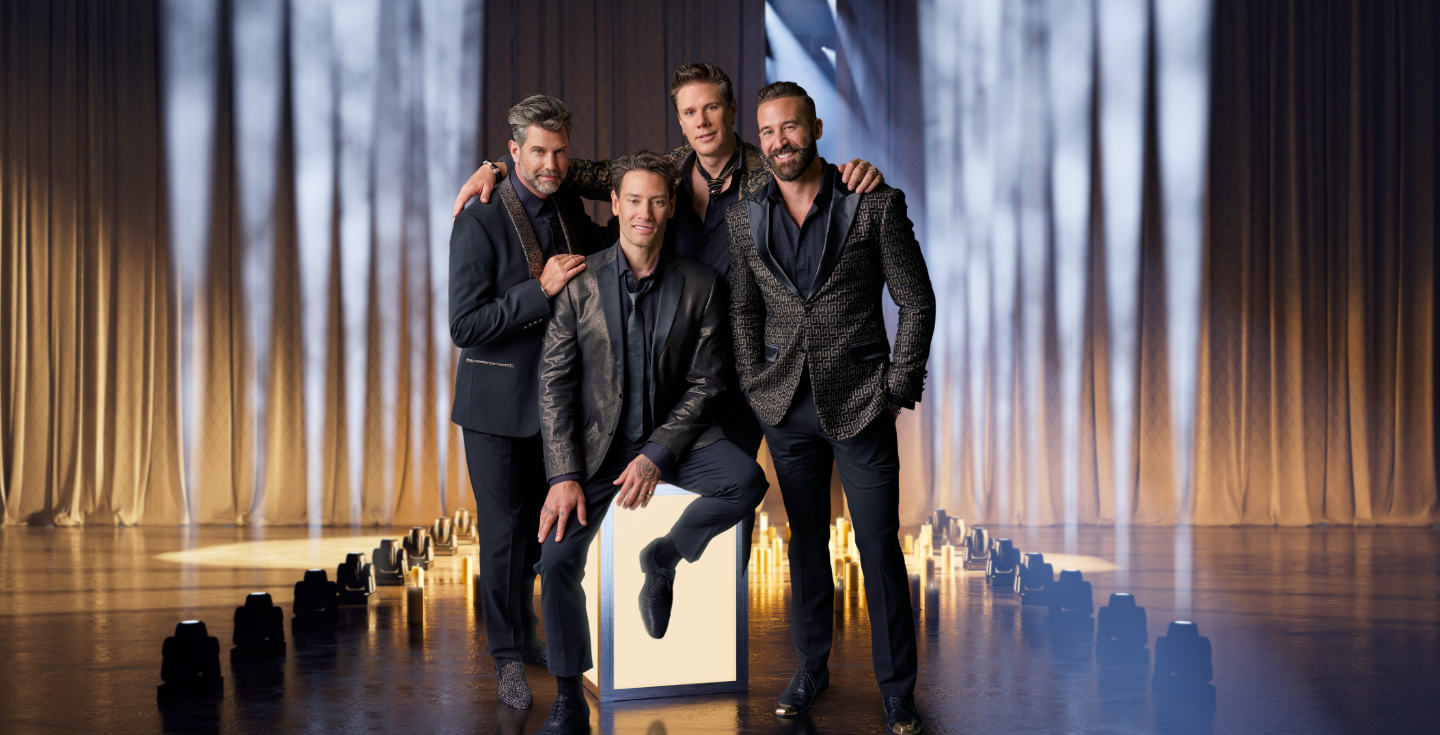
More Info for Il Divo
Mar 20
Cerritos Center for the Performing Arts

Il Divo

By Candlelight

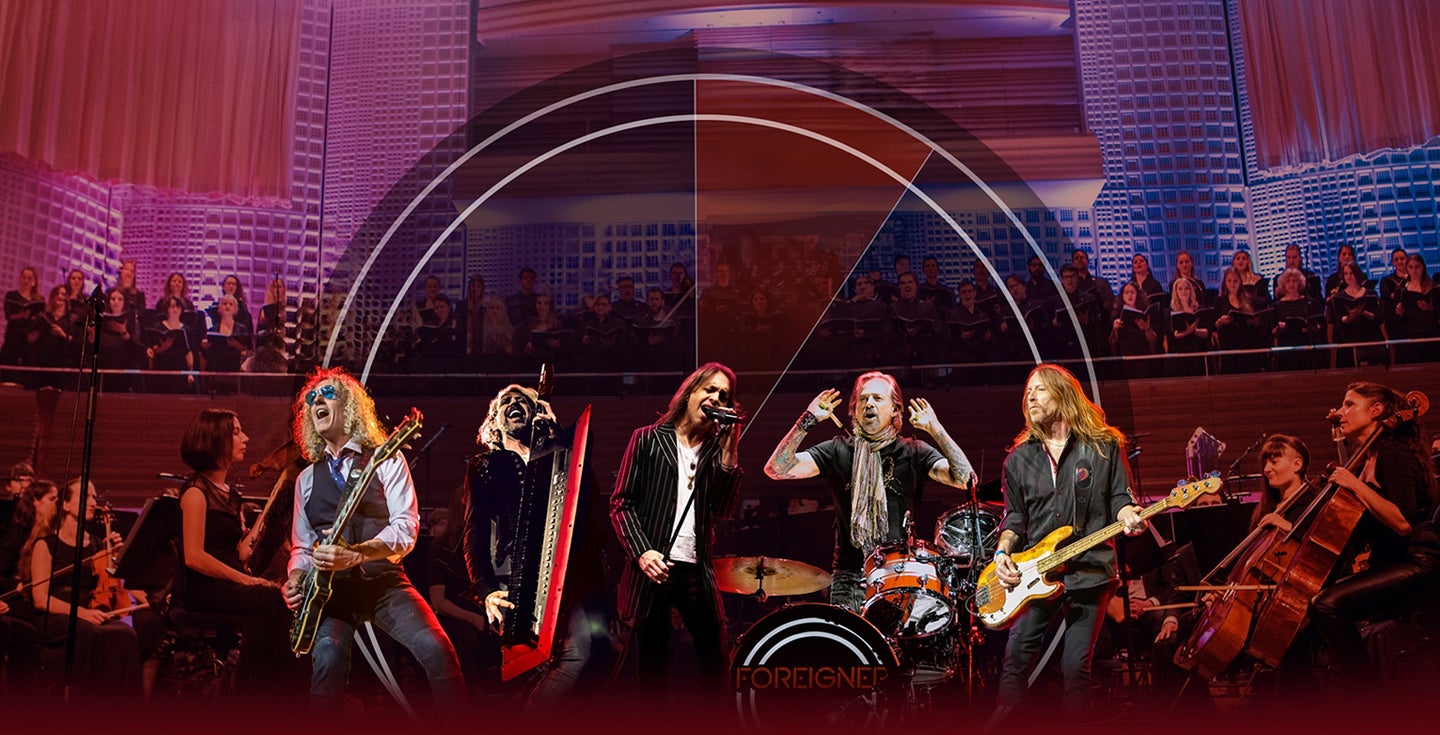
More Info for Foreigner
Mar 22
San Jose Civic

Foreigner

The Hits Orchestral

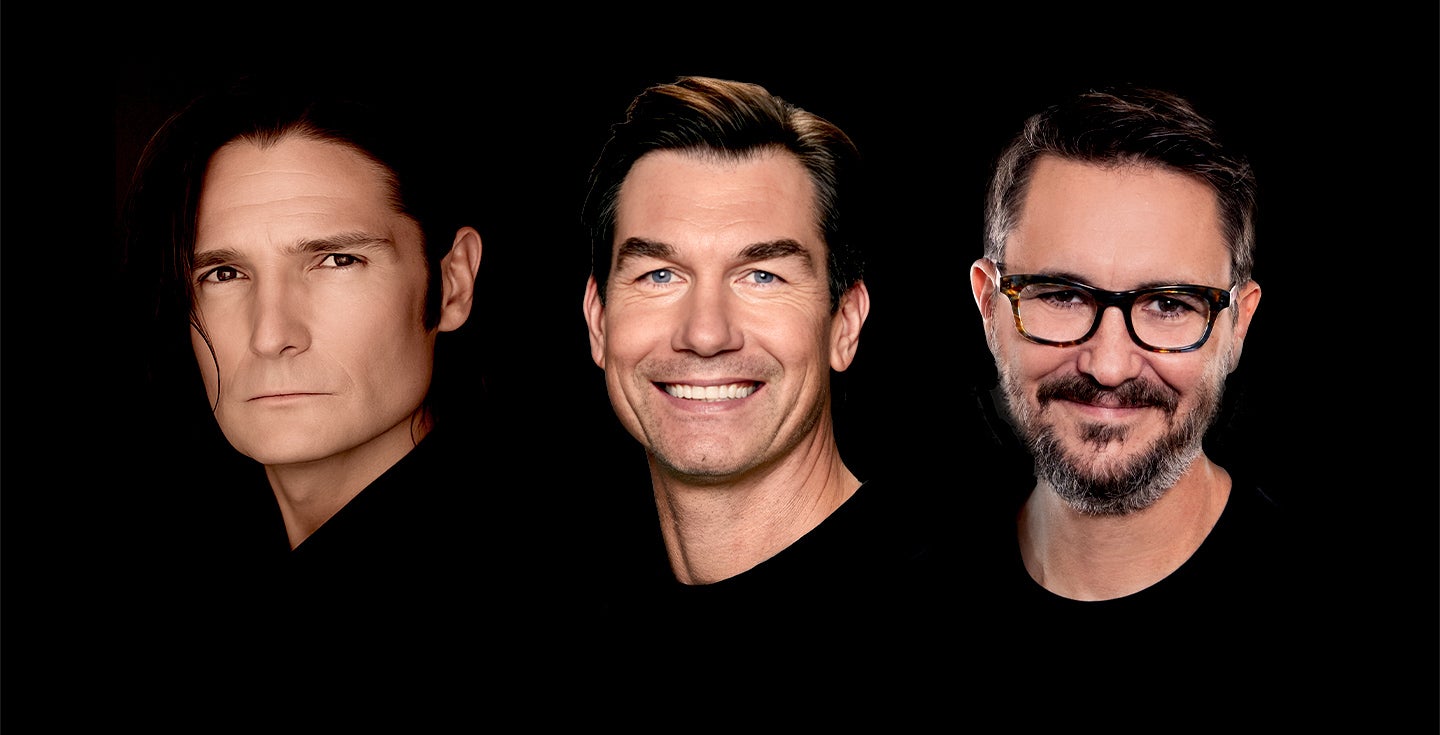
More Info for STAND BY ME: The Film and Its Stars 40 Years Later
Mar 27
Grove of Anaheim

STAND BY ME: The Film and Its Stars 40 Years Later

A Night of Reflection, Connection, and the Friendships That Shape Us

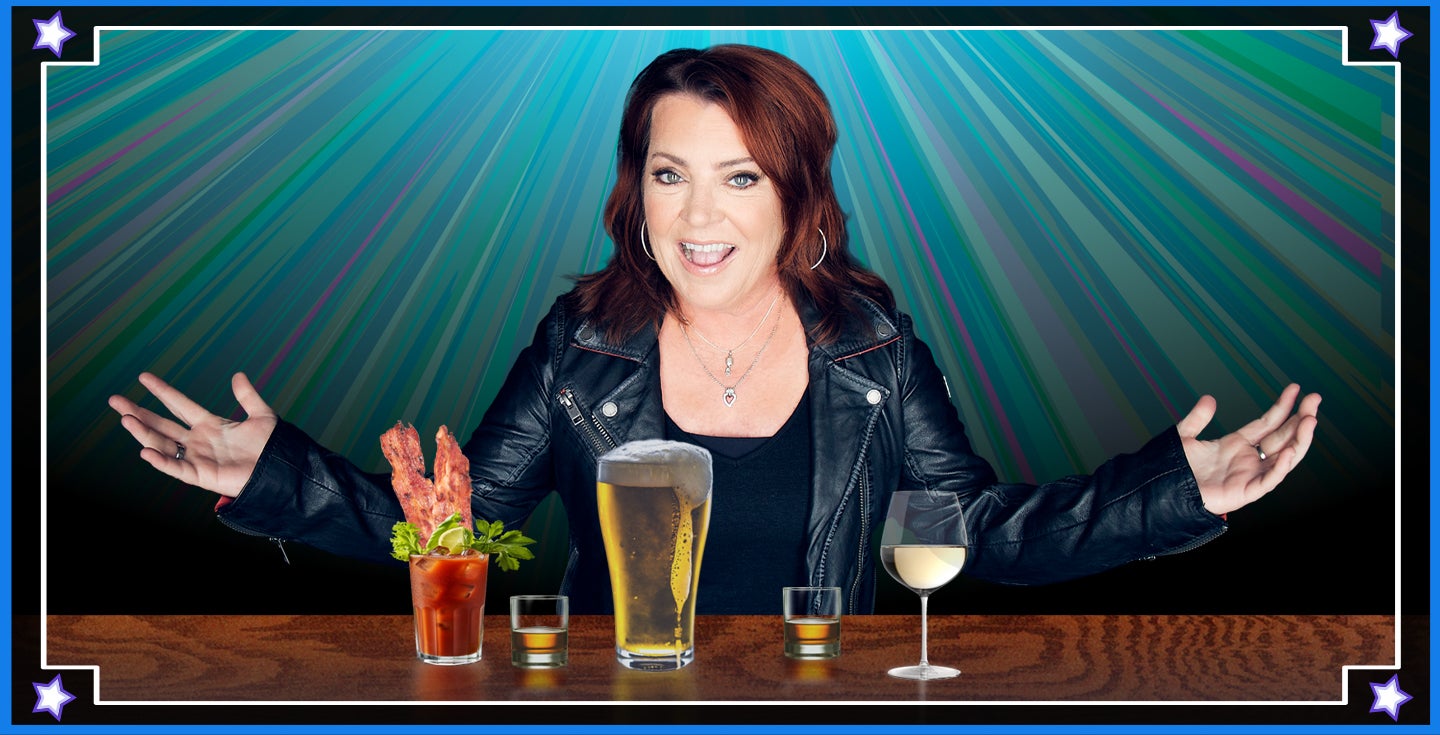
More Info for Kathleen Madigan
Mar 28
Grove of Anaheim

Kathleen Madigan

The Day Drinking Tour

More Info for Fey - Hits Tour
Mar 29
Grove of Anaheim

Fey - Hits Tour

More Info for HUMBE
Apr 5
San Jose Civic

HUMBE

Dueño del Cielo Tour

More Info for John Crist Live
Apr 9 - 11
Grove of Anaheim
THIRD SHOW ADDED!

John Crist Live

More Info for Sesame Street Live! Elmo's Got The Moves
Apr 9
Long Beach Terrace Theater

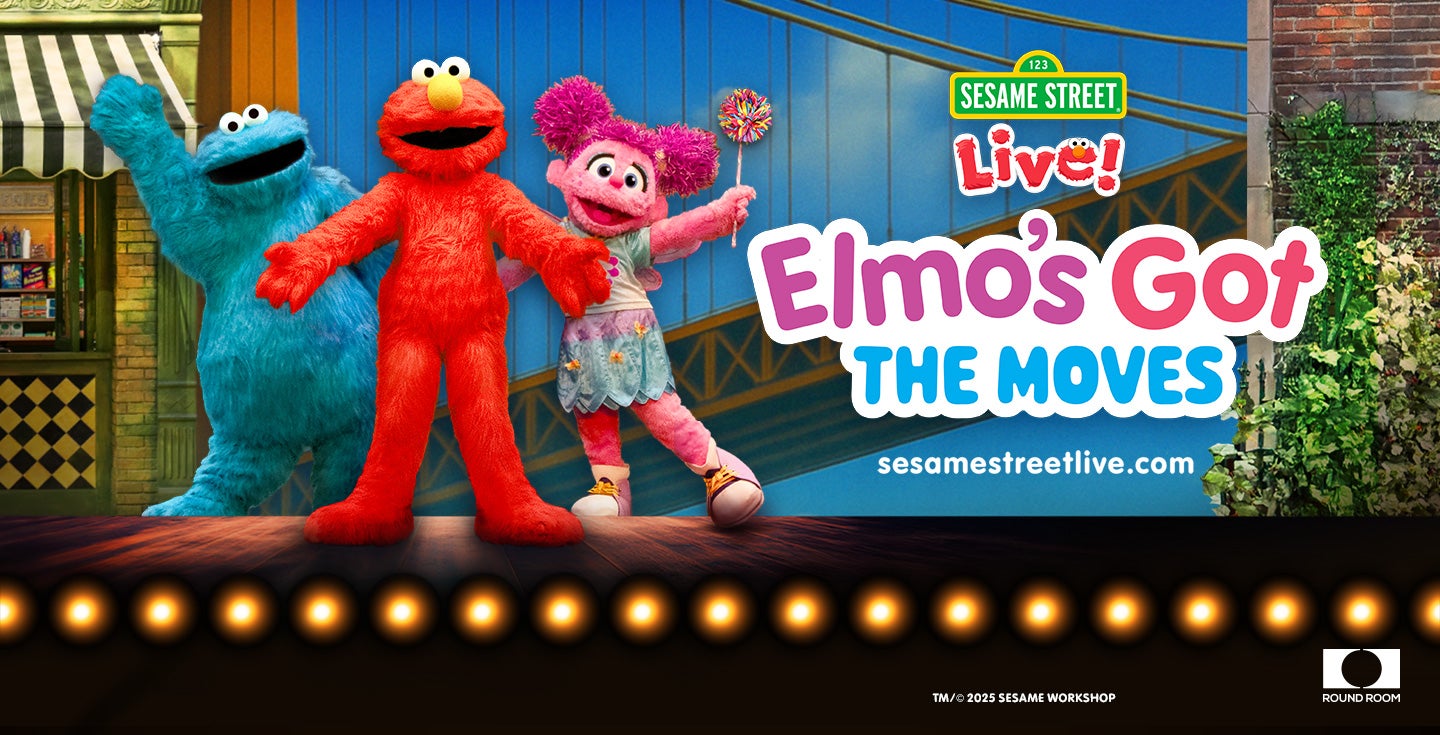
Sesame Street Live! Elmo's Got The Moves

More Info for Sesame Street Live! Elmo's Got The Moves
More Info for Yächtley Crëw
Apr 16
Cerritos Center for the Performing Arts

Yächtley Crëw

Seas The Night World Tour

More Info for Yächtley Crëw
Apr 18
Bank of America Performing Arts Center

Yächtley Crëw

Seas The Night World Tour

More Info for Cheap Trick
Apr 22
Vina Robles Amphitheatre

Cheap Trick

All Washed Up Tour

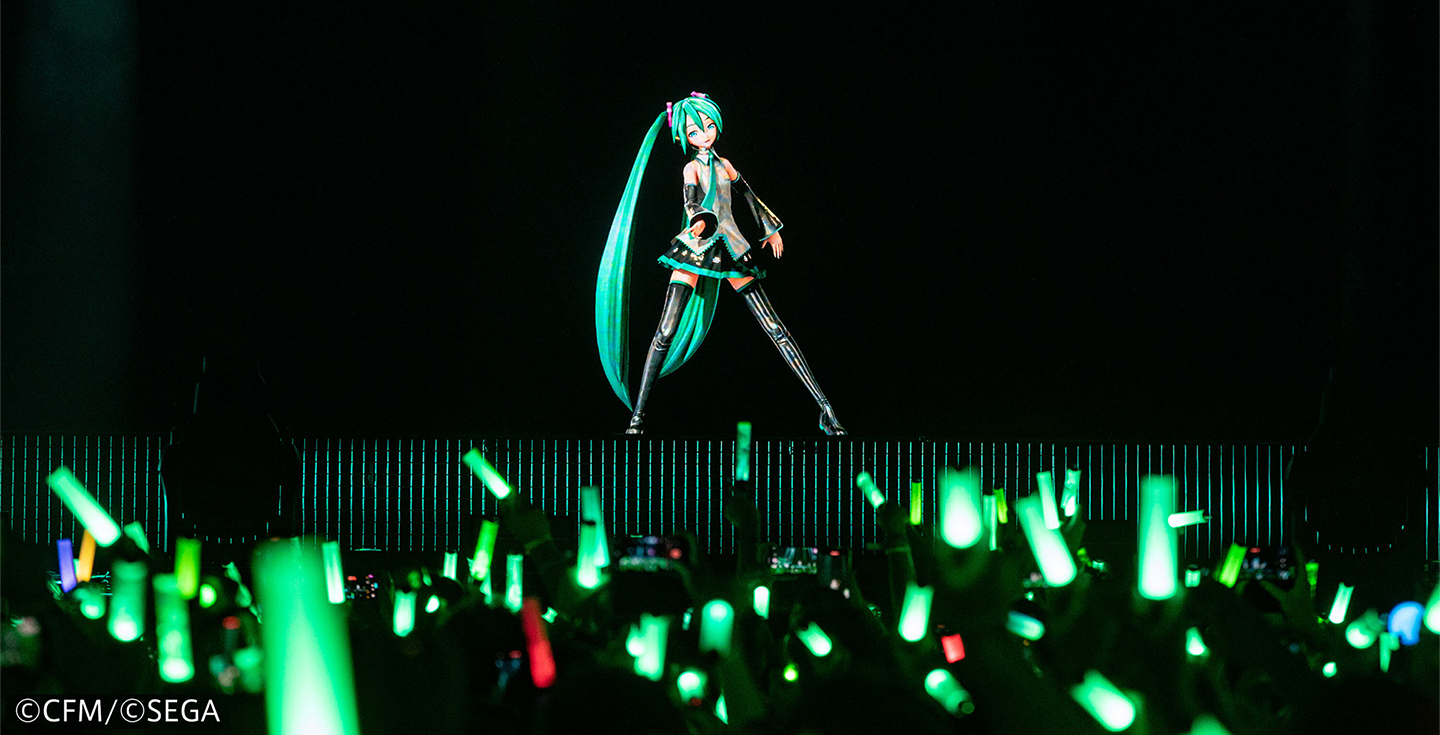
More Info for Hatsune Miku
Apr 22 - 23
San Jose Civic
SECOND SHOW ADDED!

Hatsune Miku

MIKU EXPO 2026 North America

More Info for Hatsune Miku
Apr 28
Desert Diamond Arena

Hatsune Miku

MIKU EXPO 2026 North America

More Info for Emo Orchestra
Apr 29
Cerritos Center for the Performing Arts

Emo Orchestra

performing with The Spill Canvas

More Info for Hatsune Miku
May 1
H-E-B Center

Hatsune Miku

MIKU EXPO 2026 North America

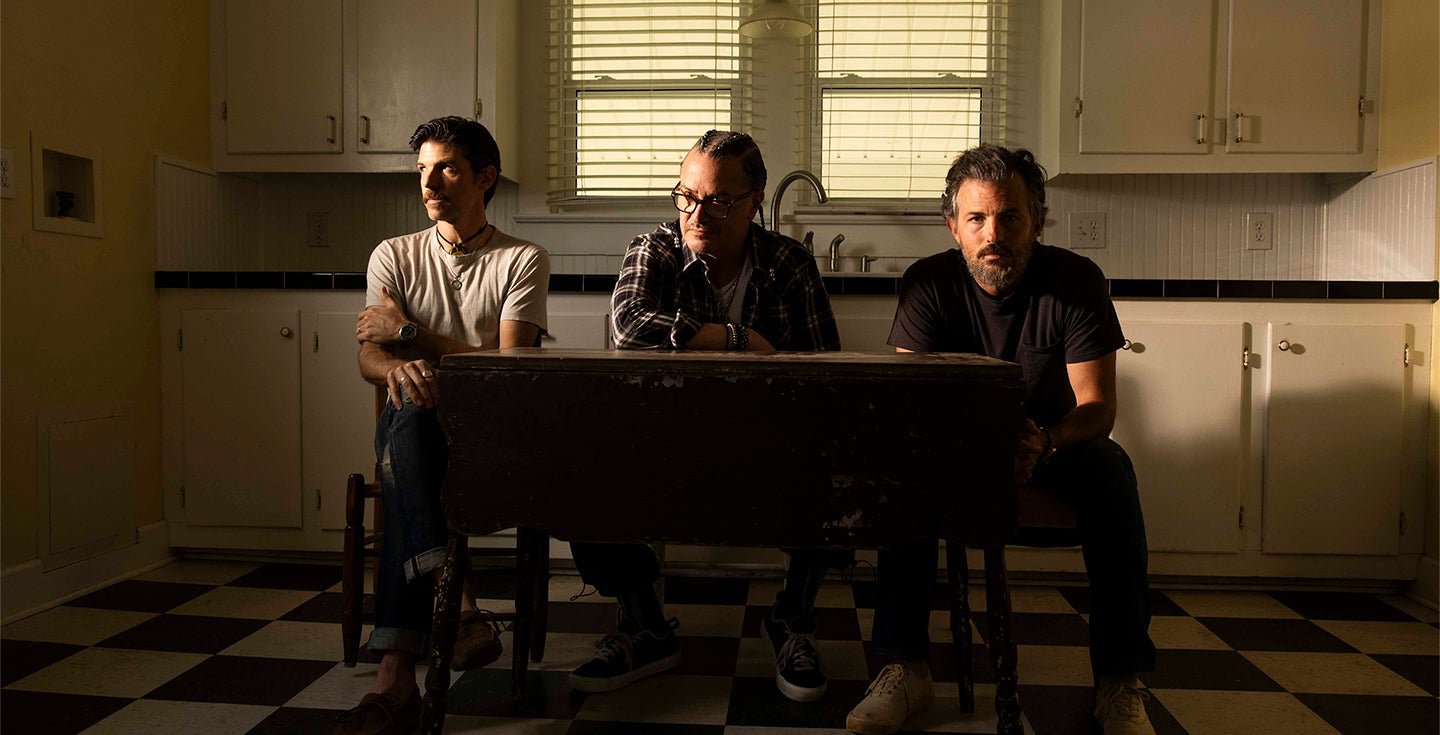
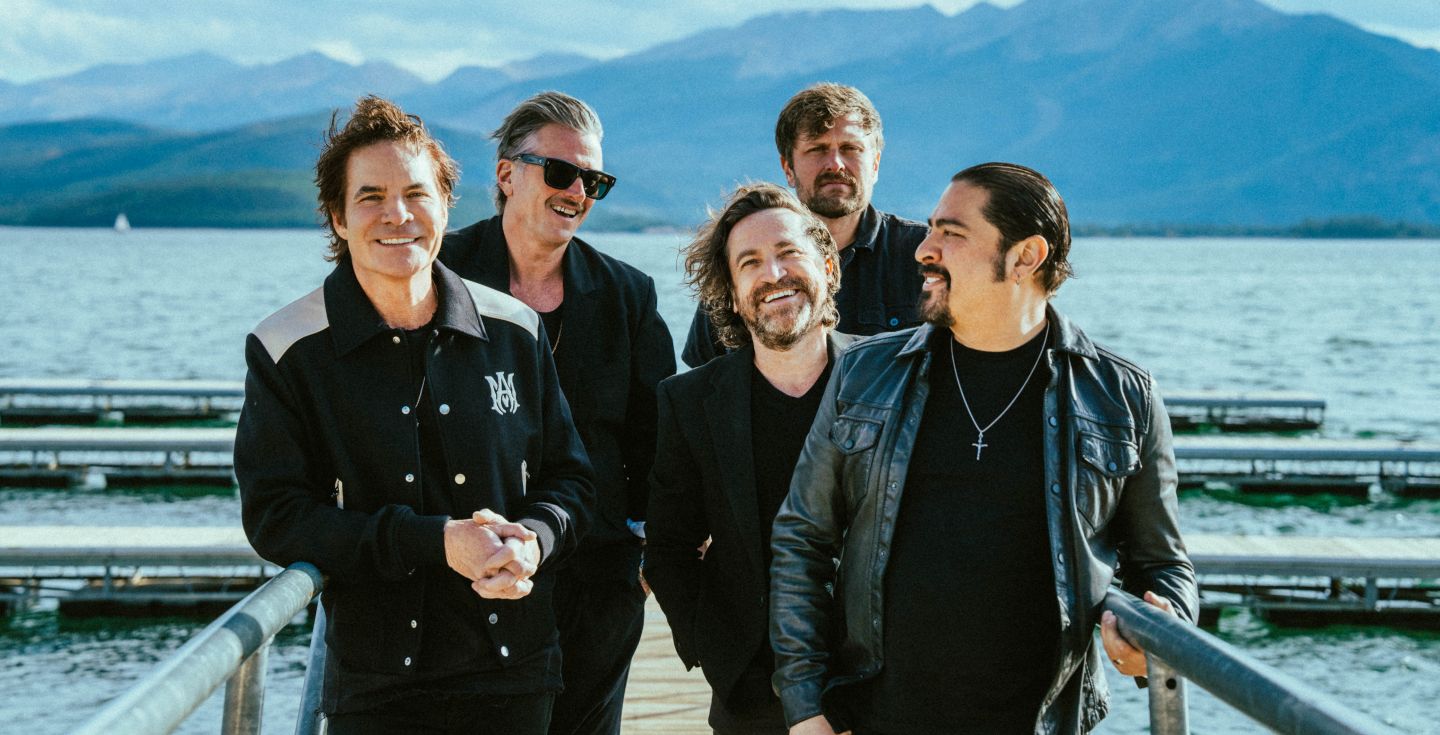
More Info for The Avett Brothers and Mike Patton present AVTT/PTTN
More Info for Tyler Henry
May 9
San Jose Civic

Tyler Henry

An Evening of Hope and Healing

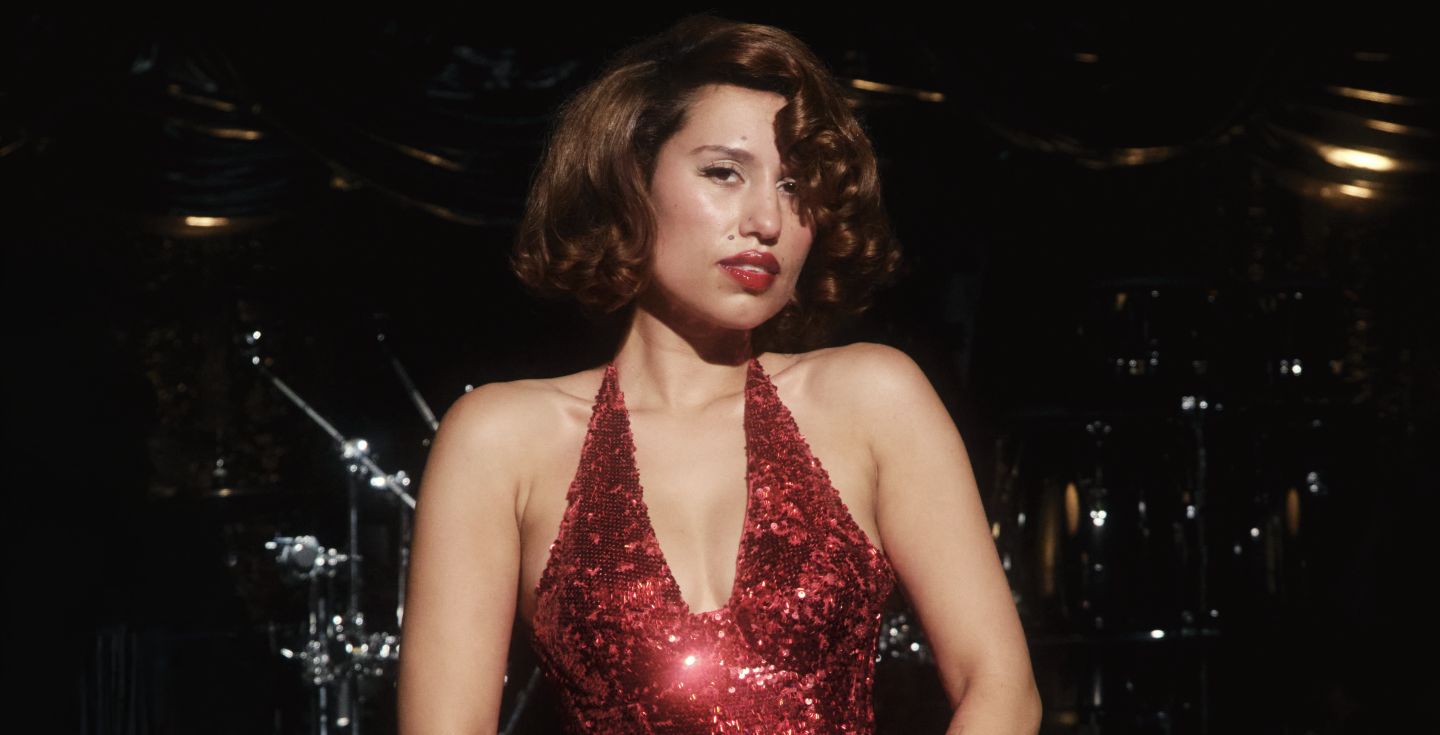
More Info for RAYE
May 12 - 13
Greek Theatre
SECOND SHOW ADDED!

RAYE

THIS TOUR MAY CONTAIN NEW MUSIC

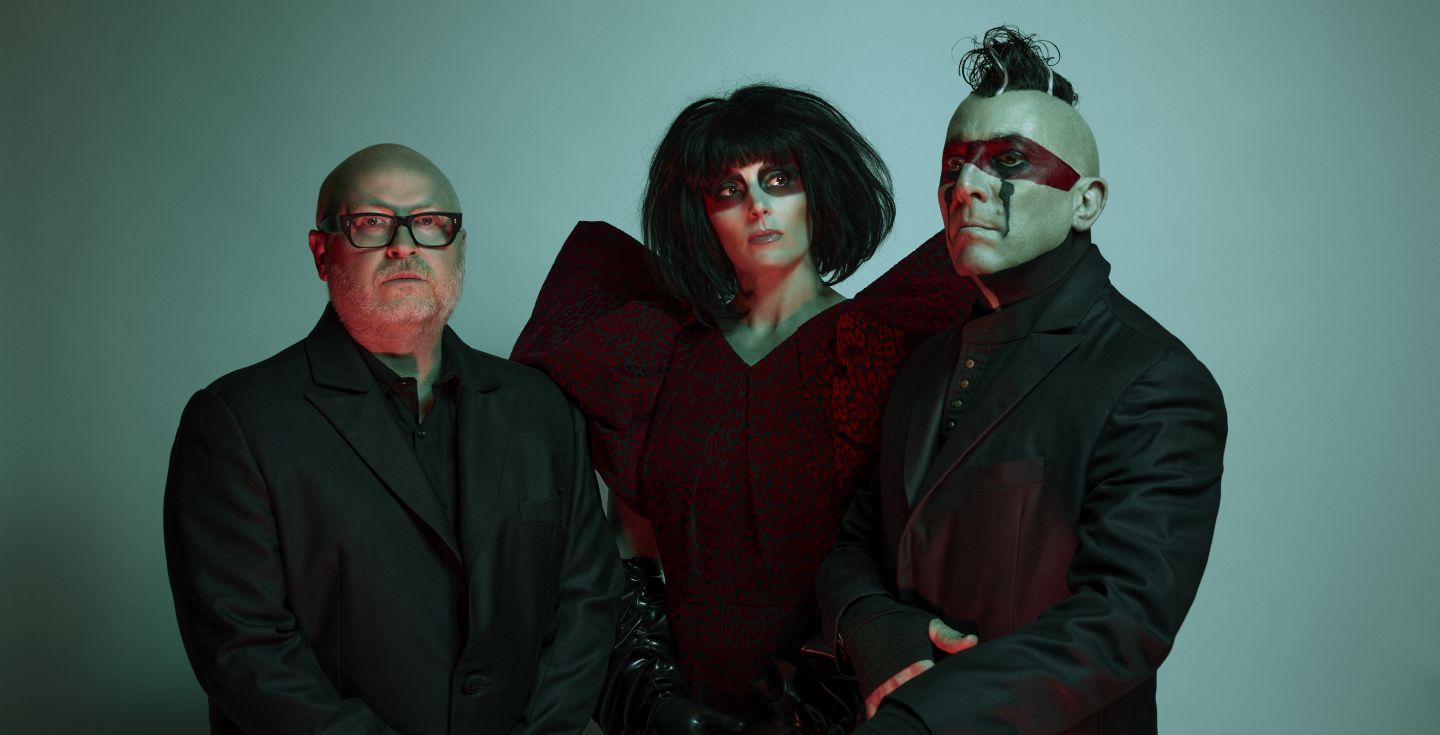
More Info for Puscifer
May 14
Greek Theatre

Puscifer

More Info for Alejandro Sanz
May 15
Greek Theatre

Alejandro Sanz

¿Y Ahora Que?

More Info for Julien Doré
May 15
United Theater on Broadway

Julien Doré

More Info for Russell Dickerson
May 20
Greek Theatre

Russell Dickerson

RUSSELLMANIA

More Info for Yungblud
May 22
Greek Theatre

Yungblud

More Info for Ringo Starr and His All Starr Band
June 6
Vina Robles Amphitheatre

Ringo Starr and His All Starr Band

More Info for Jim Gaffigan
June 7
Vina Robles Amphitheatre

Jim Gaffigan

Everything Is Wonderful!

More Info for Natalia Lafourcade
June 10
Reynolds Hall at the Smith Center

Natalia Lafourcade

Cancionera Tour

More Info for Ringo Starr and His All Starr Band
June 11
San Jose Civic

Ringo Starr and His All Starr Band

More Info for Felipe Esparza
June 13
Greek Theatre
Outback Presents

Felipe Esparza

At My Leisure Tour

More Info for Natalia Lafourcade
June 13 - 14
San Jose Civic

Natalia Lafourcade

Cancionera Tour

More Info for Ringo Starr and His All Starr Band
June 14
Greek Theatre

Ringo Starr and His All Starr Band

More Info for Parker McCollum
June 19
Greek Theatre

Parker McCollum

More Info for Khalid
June 24
Greek Theatre
It’s Summer Somewhere Tour

Khalid

with special guest Lauv

More Info for Natalia Lafourcade
June 26 - 27
Dolby Theatre

Natalia Lafourcade

Cancionera Tour

More Info for Matt Rife
July 11 - 12
Greek Theatre
SECOND SHOW ADDED!

Matt Rife

Stay Golden World Tour

More Info for Rainbow Kitten Surprise
July 21
Greek Theatre

Rainbow Kitten Surprise

bones World Tour

More Info for O.A.R. Three Decades Tour
Aug 8
Greek Theatre

O.A.R. Three Decades Tour

with special guests Gavin DeGraw and Lisa Loeb

More Info for Mt. Joy
Aug 20 - 21
Greek Theatre

Mt. Joy

More Info for Train
Aug 24
Greek Theatre
Drops of Jupiter: 25 Years in the Atmosphere Tour

Train

with special guests The Barenaked Ladies, Matt Nathanson

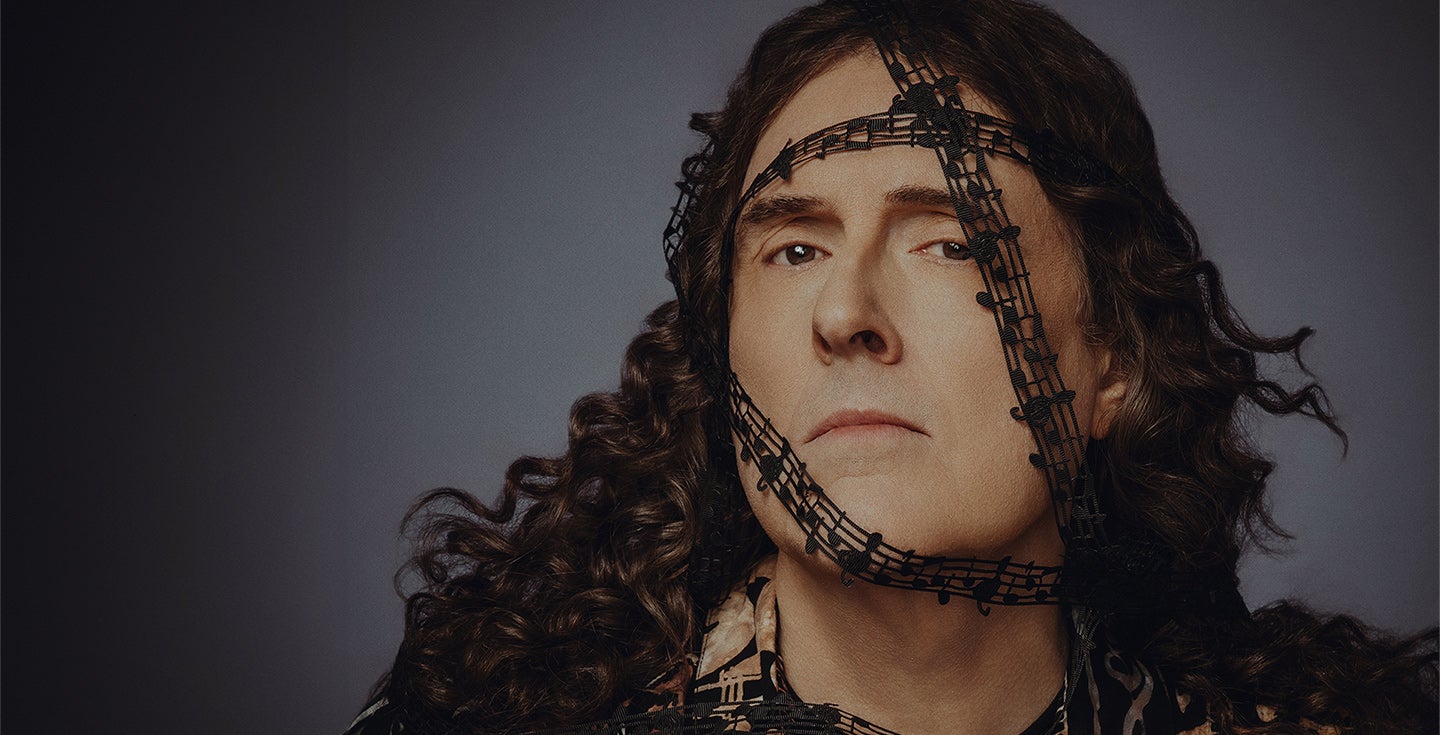
More Info for “Weird Al” Yankovic: Bigger & Weirder 2026 Tour
Sep 15
Vina Robles Amphitheatre

“Weird Al” Yankovic: Bigger & Weirder 2026 Tour

with special guest Puddles Pity Party

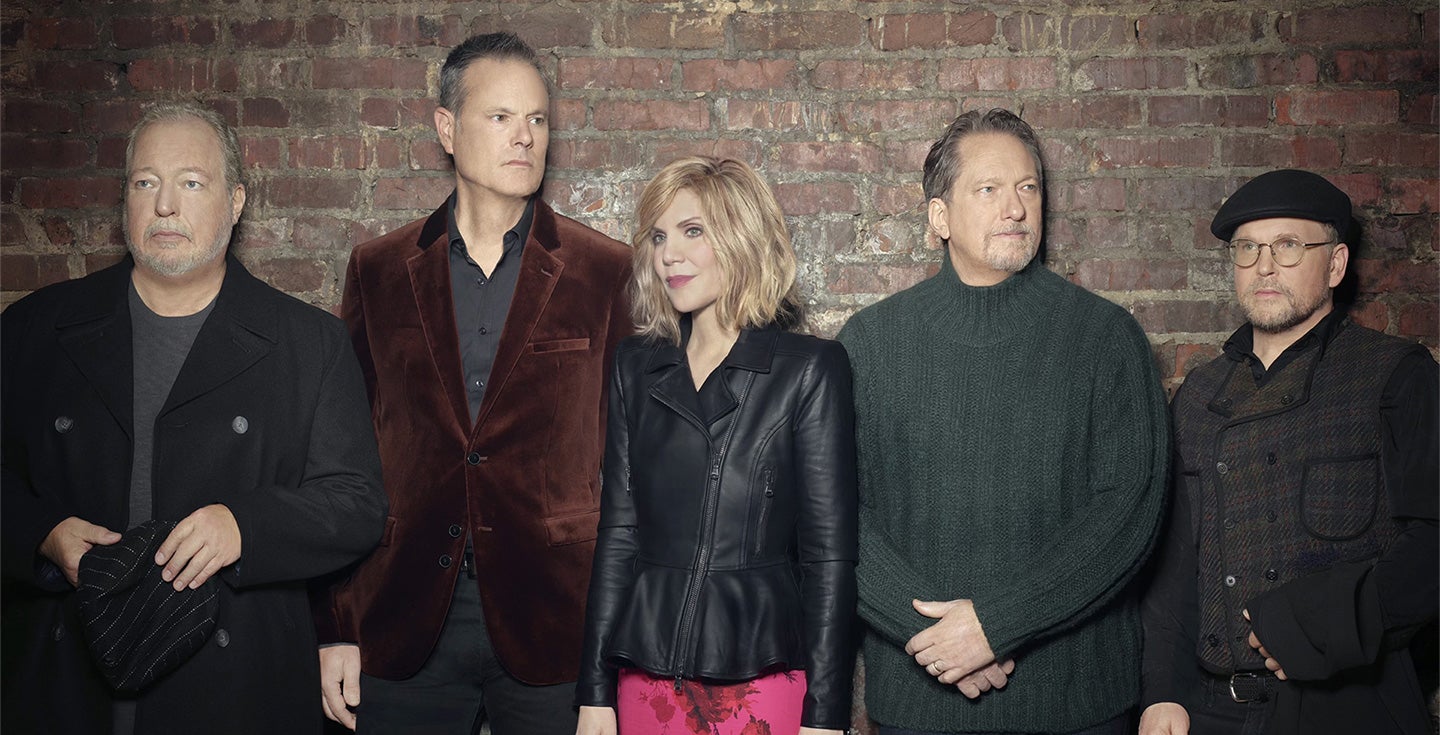
More Info for Alison Krauss & Union Station featuring Jerry Douglas
Oct 2
Vina Robles Amphitheatre
Arcadia Tour 2026

Alison Krauss & Union Station featuring Jerry Douglas

with special guest Theo Lawrence